FabFilter Pro-Q 4 Review & Tips: Everything That's New in 2026
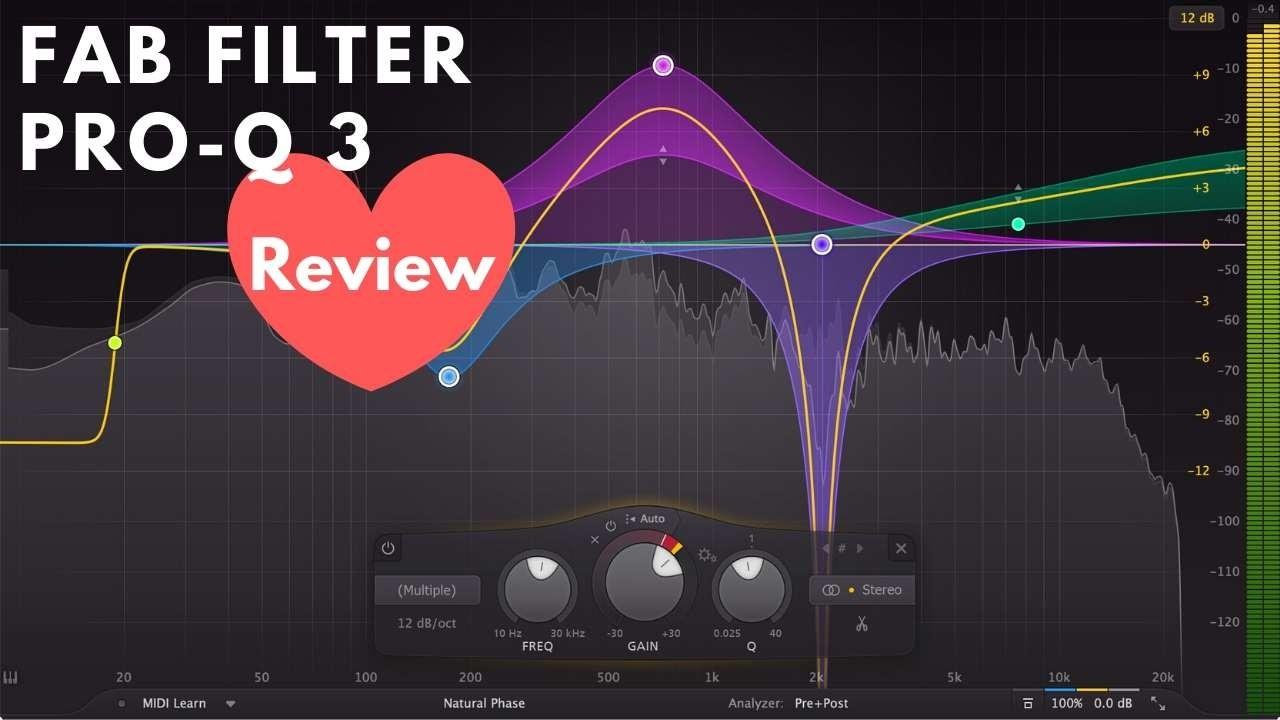
FabFilter released Pro-Q 4 in December 2024, and for the first time in years, it's a genuinely significant upgrade — not just a refinement. EQ Sketch, spectral dynamics, analog character modes, and a completely rethought Instance List all land in this version.
I've been using it since release. This review covers what's actually new, what's changed from Pro-Q 3, how to use the new features in practice, and whether the upgrade is worth it if you're already on Pro-Q 3.
Short answer: if you're on Pro-Q 3, yes — upgrade. If you're new to FabFilter EQs, Pro-Q 4 is the best EQ plugin available right now.
Free Crash Course: How to Mix with EQ
Most mixes don't fall apart because of bad plugins. They fall apart because of bad EQ decisions. I put together a free crash course that walks you through my whole EQ process, based on my book How to Mix with EQ. Get the free course here.
What's New in Pro-Q 4 vs Pro-Q 3?
Pro-Q 3 was already the industry standard. Pro-Q 4 builds on it with six meaningful additions:
- EQ Sketch — Draw EQ curves freehand directly on the spectrum display
- Per-band Spectral Dynamics — A new processing mode beyond standard dynamic EQ
- Continuous Slope — Set filter slope anywhere from 12 to 96 dB/octave (vs fixed options in Pro-Q 3)
- Character Modes (Gentle & Warm) — Analog saturation and tube coloring, built in for the first time
- Gain-Q Interaction — Console-style behavior where Q narrows as you boost/cut more
- Expanded Instance List — Now shows all FabFilter plugins (Pro-C 3, Pro-DS, Pro-G) across the entire session
The interface is also cleaner — better contrast, improved analyzer readability, and a redesigned band display.
EQ Sketch: The Most Practical New Feature
EQ Sketch lets you draw a frequency curve directly on the spectrum display by clicking and dragging. Pro-Q 4 automatically translates your sketch into actual EQ bands — switching intelligently between shelves and bell filters based on where your cursor is in the spectrum.
This sounds like a gimmick, but it's genuinely useful for two workflows:
- Fast starting points: If you know roughly what you want — "cut the low mids, boost around 3kHz, add some air" — you can sketch it in seconds and fine-tune afterward. Much faster than adding individual bands one at a time.
- EQ matching by ear: If you're hearing a curve in your head but don't know the exact frequencies, sketch the shape and let Pro-Q 4 build the bands. Then adjust from there.
It's not the most precise way to work, but it's a great way to get a rough curve down quickly and iterate from it.
Spectral Dynamics: Beyond Dynamic EQ
Pro-Q 3 introduced dynamic EQ — bands that activate based on a threshold. Pro-Q 4 goes further with spectral dynamics, a separate processing mode that works differently from standard dynamic EQ.
In spectral mode, a Spectral Density slider controls how precisely the processor targets frequency peaks vs. broad regions:
- Low Spectral Density: Affects broad frequency bands — good for managing low-end buildup and broad mid-range resonances
- High Spectral Density: Targets sharp, narrow spikes — ideal for taming specific resonances in the upper mids and highs
In practice, spectral dynamics covers a lot of the same territory as a dedicated resonance suppressor like Soothe2 — handling problem frequencies that vary from note to note or phrase to phrase. It won't fully replace Soothe2 for heavy-duty work, but it handles a significant portion of that work built right into your EQ without an extra plugin.
Best use cases: acoustic instruments (piano, acoustic guitar, strings) where resonances appear on specific notes, and vocals for sibilance and harshness that varies phrase-to-phrase.
Character Modes: Analog Warmth for the First Time
Pro-Q 3 was a transparent EQ by design — no color of its own. Pro-Q 4 breaks from that with two optional character modes:
- Gentle: Subtle harmonic saturation with a light, airy quality. Works well on most material and is a solid default for anyone who previously chained Pro-Q 3 with a separate saturator.
- Warm: More pronounced tube-modeled saturation. Adds noticeable warmth and richness — useful on acoustic instruments, vocals, and anything that benefits from a vintage quality.
Character modes are off by default, so Pro-Q 4 behaves transparently unless you enable them. For pure corrective work, leave Character off. For tone shaping and additive boosts, try Warm mode before reaching for a separate Neve or API emulation — you may find you don't need it.
Continuous Slope: Finally
Pro-Q 3 offered fixed filter slopes: 6, 12, 24, 48 dB/octave. Pro-Q 4 makes slope continuously variable from 12 to 96 dB/octave on any band.
This matters most for high-pass and low-pass filters. Instead of choosing between "12 dB/oct (too gentle)" and "24 dB/oct (too steep)," you can dial in exactly what the material needs. An 18 or 20 dB/oct high-pass often sounds better than either fixed option — now you can get there.
Gain-Q Interaction
Enable this on any bell filter and the Q factor narrows automatically as you apply more gain — exactly how a classic analog console EQ behaves. Wide, gentle boost at ±3dB; increasingly focused as you push harder.
This is useful when you want the natural feel of hardware EQ without manually adjusting Q every time you change the gain. It's particularly musical for additive boosts on instruments — prevents boosts from sounding overly broad and "digital" at higher values.
Instance List (Now a Full-Session View)
Pro-Q 3 introduced the Instance List — spectrum overlays of multiple channels from a single EQ window. Pro-Q 4 significantly expands this.
As of the 4.10 update (January 2026), the Instance List now displays all FabFilter plugins across the session — Pro-C 3, Pro-DS, and Pro-G alongside any other Pro-Q 4 instances. This effectively turns Pro-Q 4 into a lightweight session overview: see the frequency content of every channel, check dynamics plugin states, and identify conflicts without leaving the EQ window.
For anyone using the FabFilter suite heavily, this is a genuine workflow improvement. The collision detection that Pro-Q 3 introduced for two channels now extends across the whole session.
What Carried Over from Pro-Q 3
Everything that made Pro-Q 3 excellent is still here, with improvements:
- Dynamic EQ on any band (now with better attack/release controls)
- Spectrum analyzer (pre-EQ, post-EQ, or both simultaneously)
- Mid-side processing per band
- Zero-latency and linear phase modes
- Full DAW compatibility: VST, VST3, AU, AAX — and now CLAP
Pros and Cons
Pros
- EQ Sketch makes curve building dramatically faster
- Spectral dynamics handles resonance suppression that previously needed a separate plugin
- Character modes add analog warmth natively — less need to chain a colored EQ after it
- Continuous slope gives proper precision on every filter
- Expanded Instance List is a legitimate session management tool
- Gain-Q Interaction makes bell filters feel like console EQ
- CLAP format support added
Cons
- Spectral dynamics won't replace Soothe2/Gullfoss for heavy resonance suppression
- $179 full price (upgrade pricing available for Pro-Q 3 owners)
- Character modes add CPU overhead vs running transparent
Is It Worth Upgrading from Pro-Q 3?
Yes, especially if you currently use a separate plugin for analog character, do a lot of resonance control work, or use multiple FabFilter plugins across sessions. The EQ Sketch, Spectral Dynamics, and expanded Instance List each save meaningful time in real sessions.
If you're mostly doing corrective, transparent EQ work and Pro-Q 3 is serving you fine, the upgrade is less urgent — but EQ Sketch and continuous slope alone are worth it once you try them.
→ Get FabFilter Pro-Q 4 at Plugin Boutique (upgrade pricing available)
Practical Workflow Tips
Start with EQ Sketch, Refine with Bands
For any channel where you have a rough sense of what EQ moves you need, use EQ Sketch to block in the curve first. Then switch back to normal mode and fine-tune each band the sketch created. Consistently faster than starting from scratch with individual bands.
Try Gentle Character Mode as Your Default
The Gentle character mode adds subtle saturation that improves most material. Consider switching it on by default and only bypassing it for pure corrective work (notch cuts, resonance control) where you want zero coloring.
Use Spectral Mode for Resonances Instead of Static Notch Cuts
When you find a resonance — a piano note that rings too long, a guitar frequency that spikes on hard strumming — try spectral mode instead of a static notch. Set high Spectral Density for narrow spikes, lower for broader resonances. It cuts only when and where the problem occurs, preserving the natural character of the instrument the rest of the time.
Use Gain-Q Interaction for Additive Boosts
When boosting (not cutting), enable Gain-Q Interaction on bell filters. It makes every boost sound more musical and console-like. Turn it off only when you specifically want a very wide, flat boost across a broad range.
On the Master Bus: Try Warm Mode
The Warm character mode on the master bus adds subtle harmonic saturation that can glue a mix in a way that's hard to quantify but easy to hear on bypass. Use light EQ moves (±1–2dB) and compare with and without. Works particularly well for acoustic, folk, and classic rock production.
Frequently Asked Questions
Should I upgrade from FabFilter Pro-Q 3 to Pro-Q 4?
Yes for most users. The EQ Sketch, Spectral Dynamics, Character modes, and expanded Instance List each add real value. Check FabFilter's website for upgrade pricing — significantly less than a full purchase for existing Pro-Q 3 owners.
What is new in FabFilter Pro-Q 4 vs Pro-Q 3?
Six main additions: EQ Sketch (freehand curve drawing), per-band Spectral Dynamics mode, continuously variable filter slope (12–96 dB/oct), Gentle and Warm analog character modes, Gain-Q Interaction for bell filters, and an expanded Instance List showing all FabFilter plugins across the session.
What is Spectral Dynamics in Pro-Q 4?
Spectral Dynamics is a new processing mode (separate from standard dynamic EQ) that targets frequency peaks rather than broad ranges. A Spectral Density slider controls how precisely it targets spikes vs. wider bands. Best for resonance suppression on acoustic instruments and vocals — similar territory to Soothe2, but built directly into the EQ.
Does FabFilter Pro-Q 4 work in Logic Pro, Ableton, and Reason?
Yes — Pro-Q 4 supports VST, VST3, AU, AAX, and the new CLAP format. Compatible with Logic Pro, Pro Tools, Ableton, FL Studio, Reason, Cubase, and all major DAWs.
What are the Character modes in Pro-Q 4?
Two modes: Gentle (subtle harmonic saturation, works on most material) and Warm (more pronounced tube-modeled saturation for warmth and richness). Both are off by default — Pro-Q 4 behaves transparently unless you enable them. Pro-Q 3 had no character modes.
How much does FabFilter Pro-Q 4 cost?
$179 for a new license. Upgrade pricing for Pro-Q 3 owners is available on FabFilter's website at a significantly lower price.
Great Mixes Deserve to Be Heard (and Paid)
If you're producing polished tracks, stock music licensing is one of the best ways to turn them into passive income. Learn the complete system in the free 5-Day Music Licensing Crash Course.
Get the Free Crash Course →More EQ Guides
From a Frustrated Producer in a Ragtag Bedroom Studio to Major Placements on TV Earning $1,000s!
My name is Evan, and I've been making music since around 3rd grade. I'm from San Diego, California, but I've lived in Washington, DC for the last 20 years.
While I still have a full-time day job, I have created systems that have allowed me to produce dozens of songs a year in my spare time.
My songs have been on Netflix, TV shows like the 90 Day Fiance, an award-winning indie film, and NPR’s “All Thing Considered.” They've also been streamed millions of times.
In addition to being a music producer, I am passionate about teaching people how they can make professional-sounding music and earn money licensing it, all in their spare time.
Thousands of musicians, like yourself, have trusted me to guide their musical journey. My YouTube videos have been watched nearly a million times. And my story has been in Forbes, Side Hustle Nation, and the Side Hustle School.


EQ is the most essential tool you have for making music sound clean, clear, and professional. In this book you'll learn how to use the R.O.S.E. System, a simple 4-step EQ formula to help you master the world of EQ
